GridShot Camera is an innovative camera app that enables creative photography. With unique grid functionality, you can organize multiple subjects for shooting or create amazing composite photos by dividing the same scene.
Version: 1.0.0+4
Release Date: January 15, 2025
Supported Platforms: iOS, Android
Completely Free
Supported by advertising revenue
GridShot Camera offers powerful features for creative photography.
Shoot with various grid layouts from 2×2 to 3×3. Maximize your creativity.
Simple and user-friendly interface. Anyone from beginners to professionals can easily create beautiful photos.
Supports high-quality image saving. Beautifully record your precious moments.
Create beautiful photos in 4 easy steps
Catalog Shot / Grid Fusion
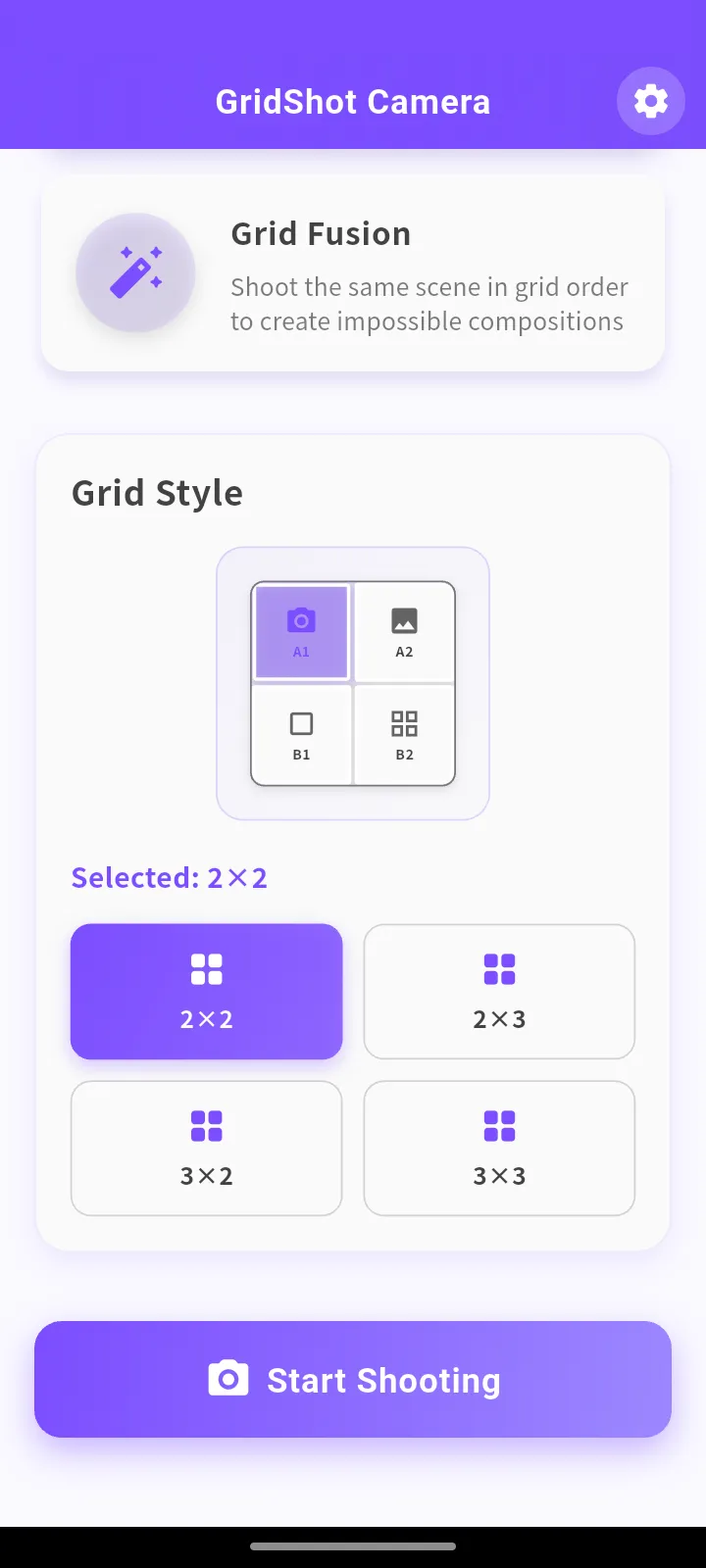
2×2, 2×3, 3×2, 3×3
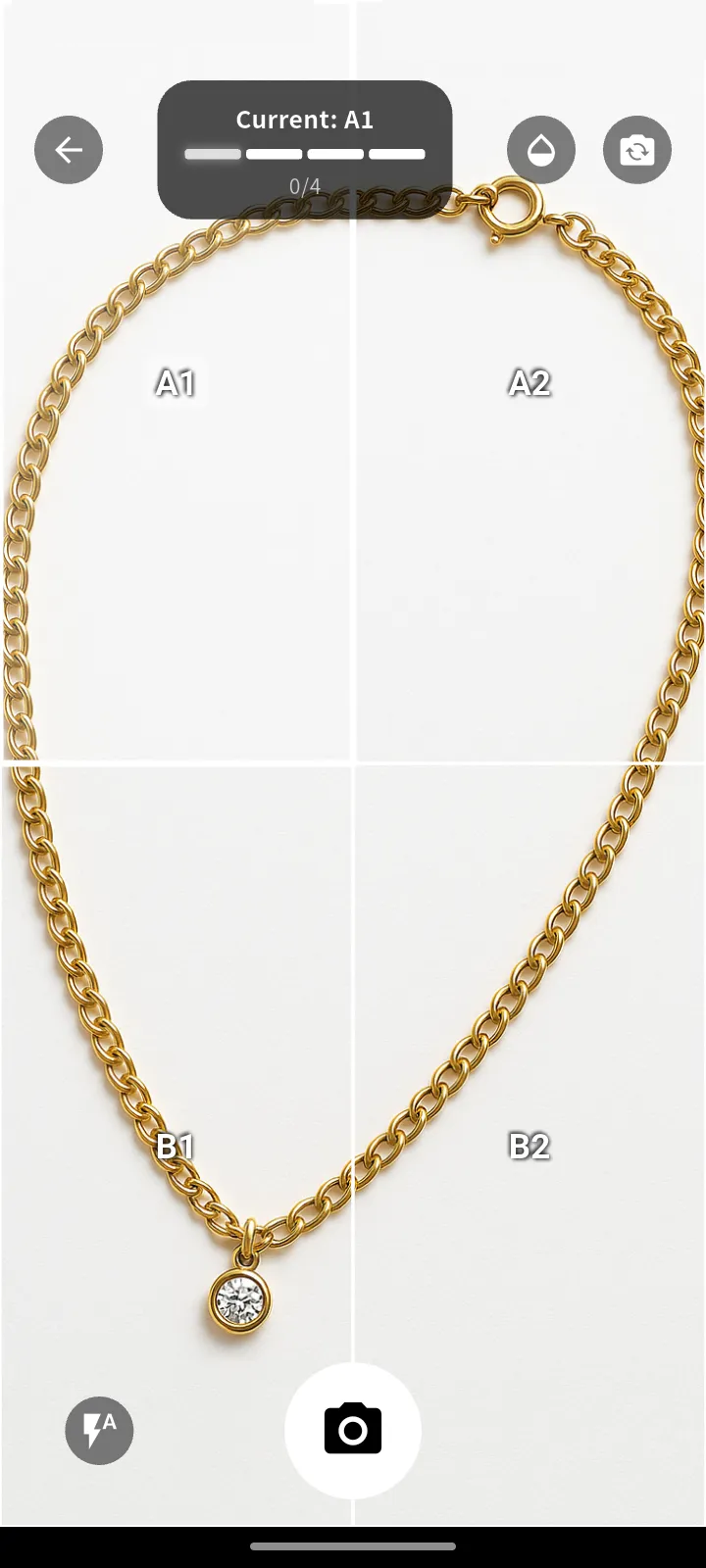
Follow grid guide for shooting
Instant composition complete
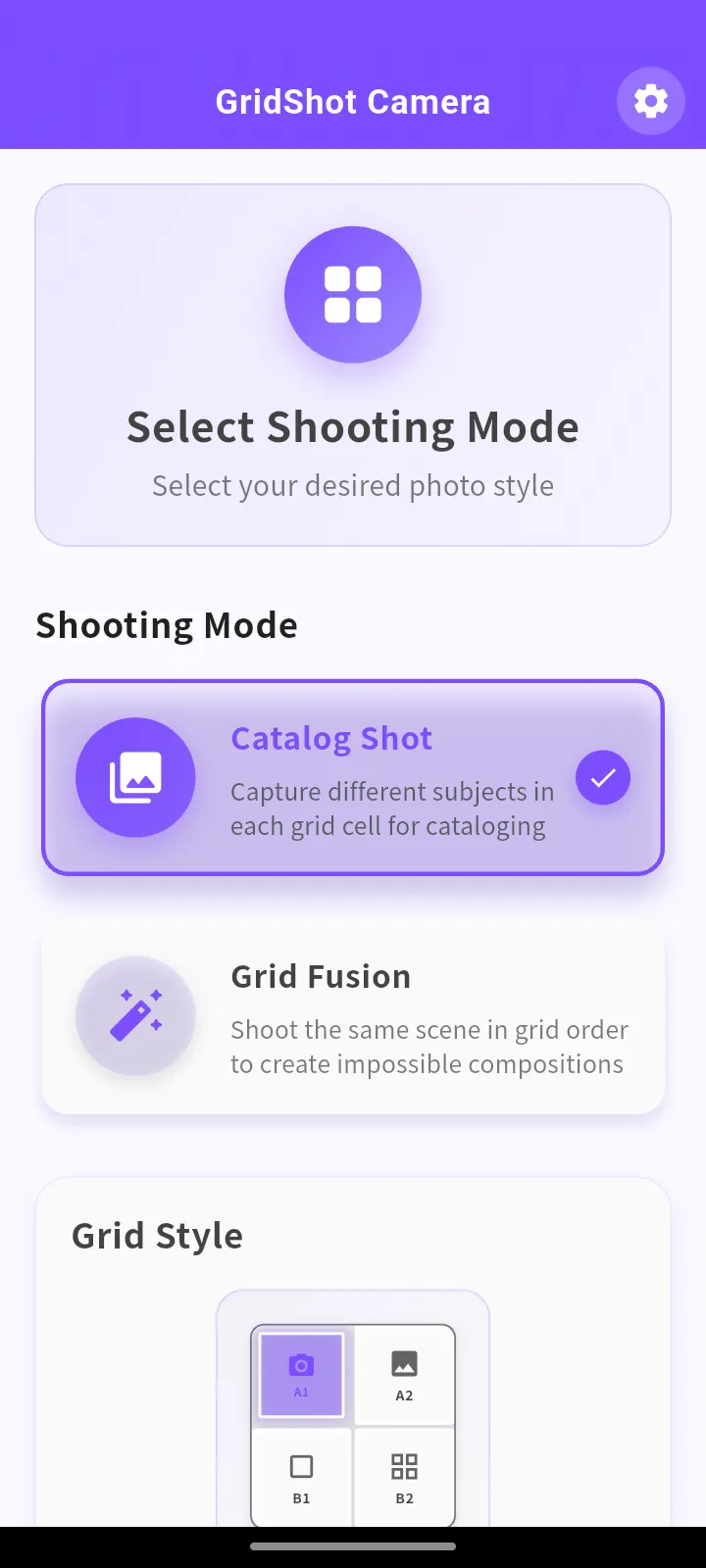
Catalog Shot
Grid Fusion
Grid Style 2×2
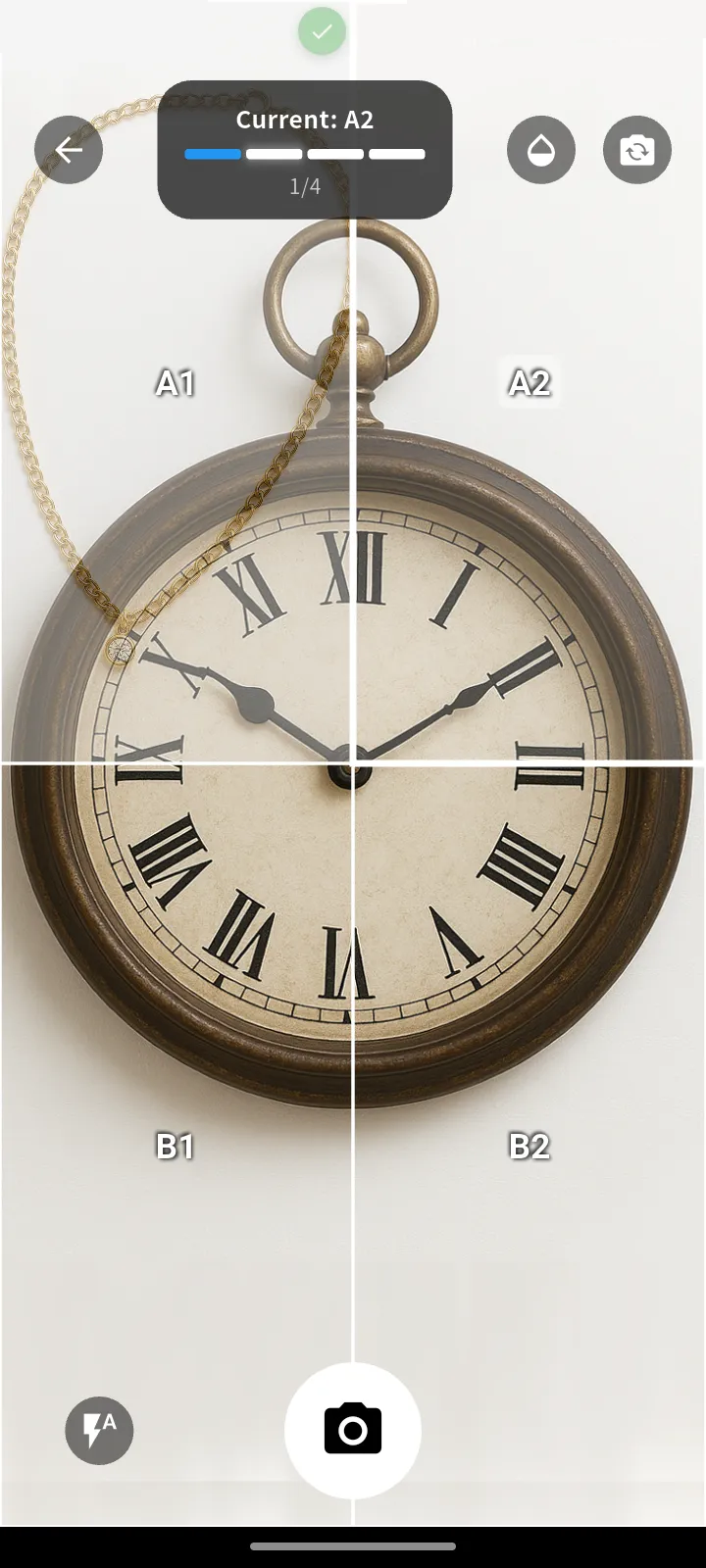
Grid Style 3×3
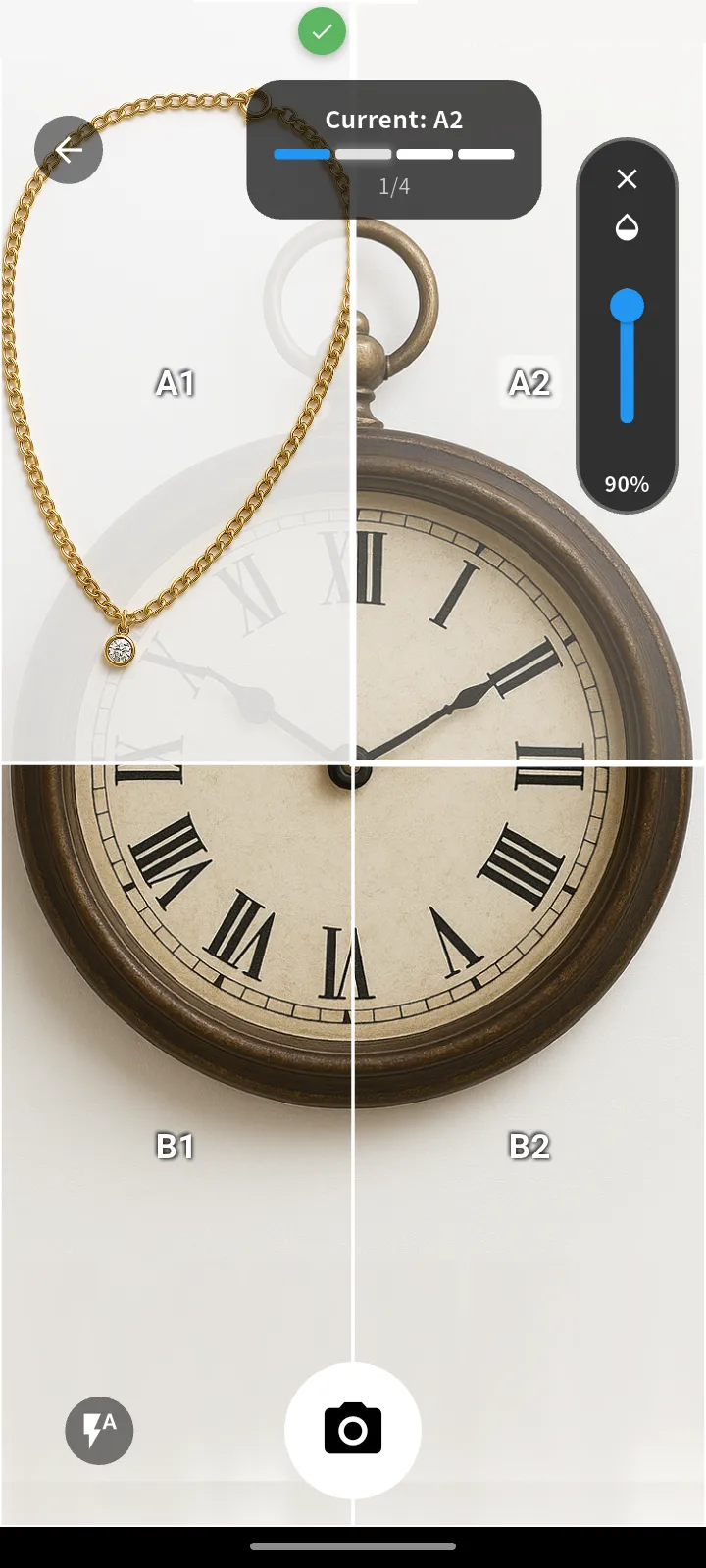
Grid Style 3×3
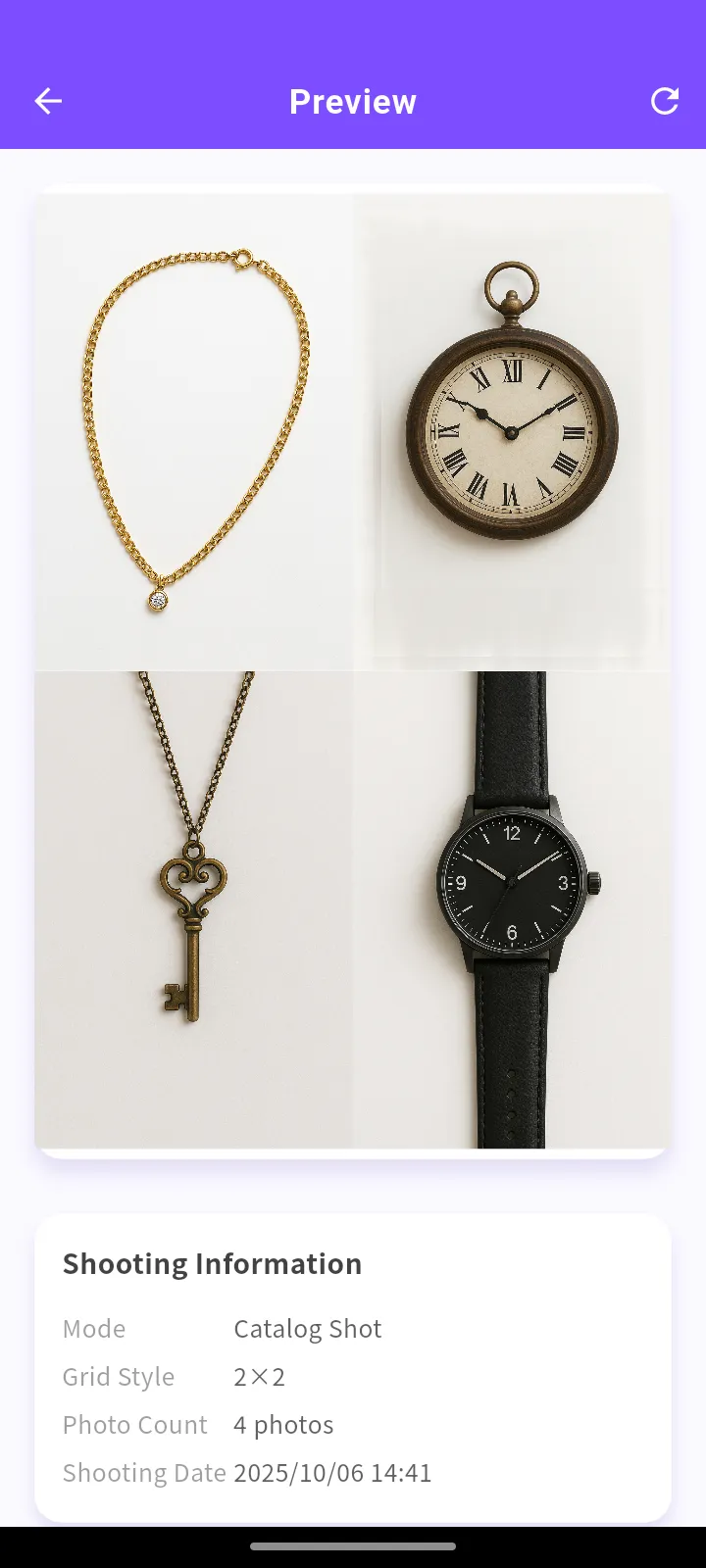
Grid Style 3×3
Download for free now and start creative photography


Last Updated: January 15, 2025
GridShot CameraGridShot Camera respects user privacy and handles information according to the following policy.
We collect the following information:
Collected information is used only for the following purposes:
This app does not share information with third parties except when legally required.
Displays advertisements via Google AdMob. For details: Google Ads Policy.
This page uses Google Analytics (gtag). Cookies and similar technologies may be used to measure usage. See Google's policy. You can disable cookies in your browser settings.
The app processes/saves captured media locally on the device and does not upload it to our servers. For access/erasure requests related to data collected by ad/analytics SDKs, contact us at the address below.
This app is not directed to children under the age of 13.
We may update this policy from time to time. Material changes will be announced on this page.
Operator: Miryu Kamiya / Ryuichi Hayashida
Contact: Contact Form
This app uses the following permissions only as needed to provide features. Data is processed on-device and not uploaded to our servers.
android.permission.CAMERA – Used for camera capture (grid shooting / composition). No background or hidden recording.com.google.android.gms.permission.AD_ID – Used for AdMob advertising. Not used to personally identify you. You can disable personalized ads in device ad settings.android.permission.INTERNET / ACCESS_NETWORK_STATE – Used for ad/analytics SDK network communication.Permissions are requested at runtime and the app remains usable even if you deny them (only the specific feature requiring the permission will be unavailable).
Official Website: https://miryu-kamiya.com/